
Create a group
Set up a group as your home base for events, members, and scores.
A group is your home base for events, members, and scores. Set one up in minutes.
Create your group
Section titled “Create your group”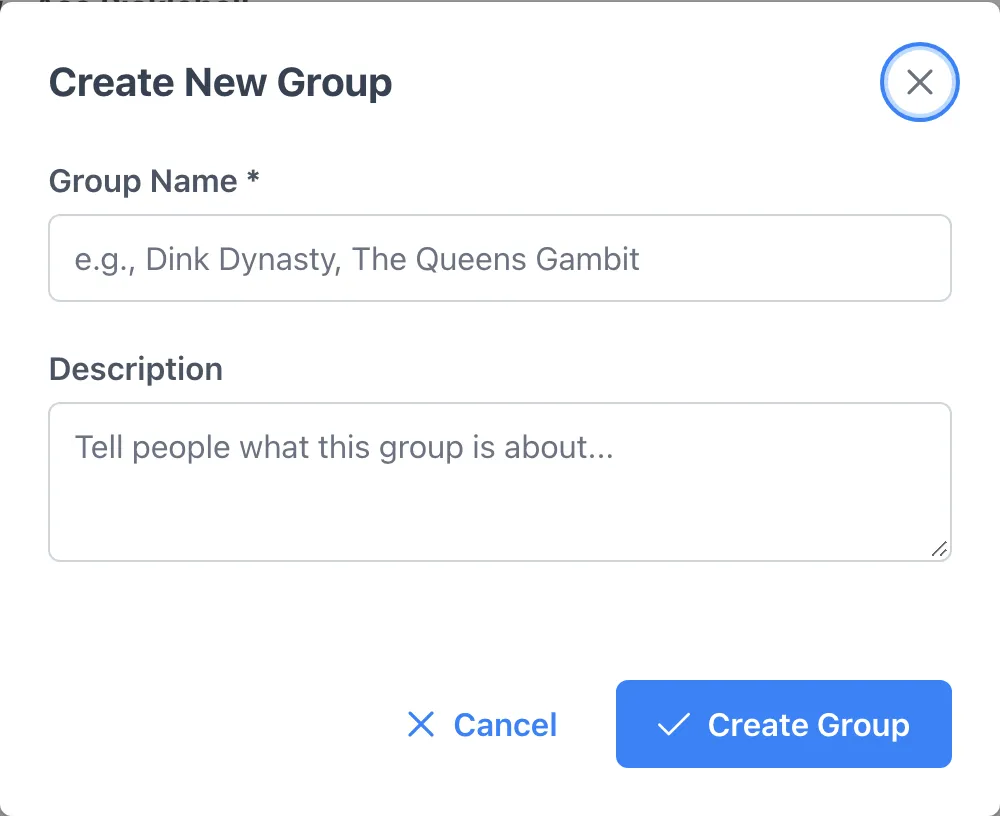
- Open Groups and tap Create Group.
- Give it a name and a short description so members know what it is.
- Turn on discovery if you want local players to find and request to join.
Invite your crew
Section titled “Invite your crew”- Share your join code or link so people can add themselves.
- Or search members and invite them directly from the group.
- Members who join start seeing your events automatically.
Group settings
Section titled “Group settings”- Add co-organizers so you are not the only one running things.
- Control who can post events and how new members are approved.