
Group settings
Rename your group, control discovery, transfer ownership, or delete the group.
Open your group and tap Settings to manage it. Co-organizers can open this dialog too, but only the group owner can save changes here — see the note below.
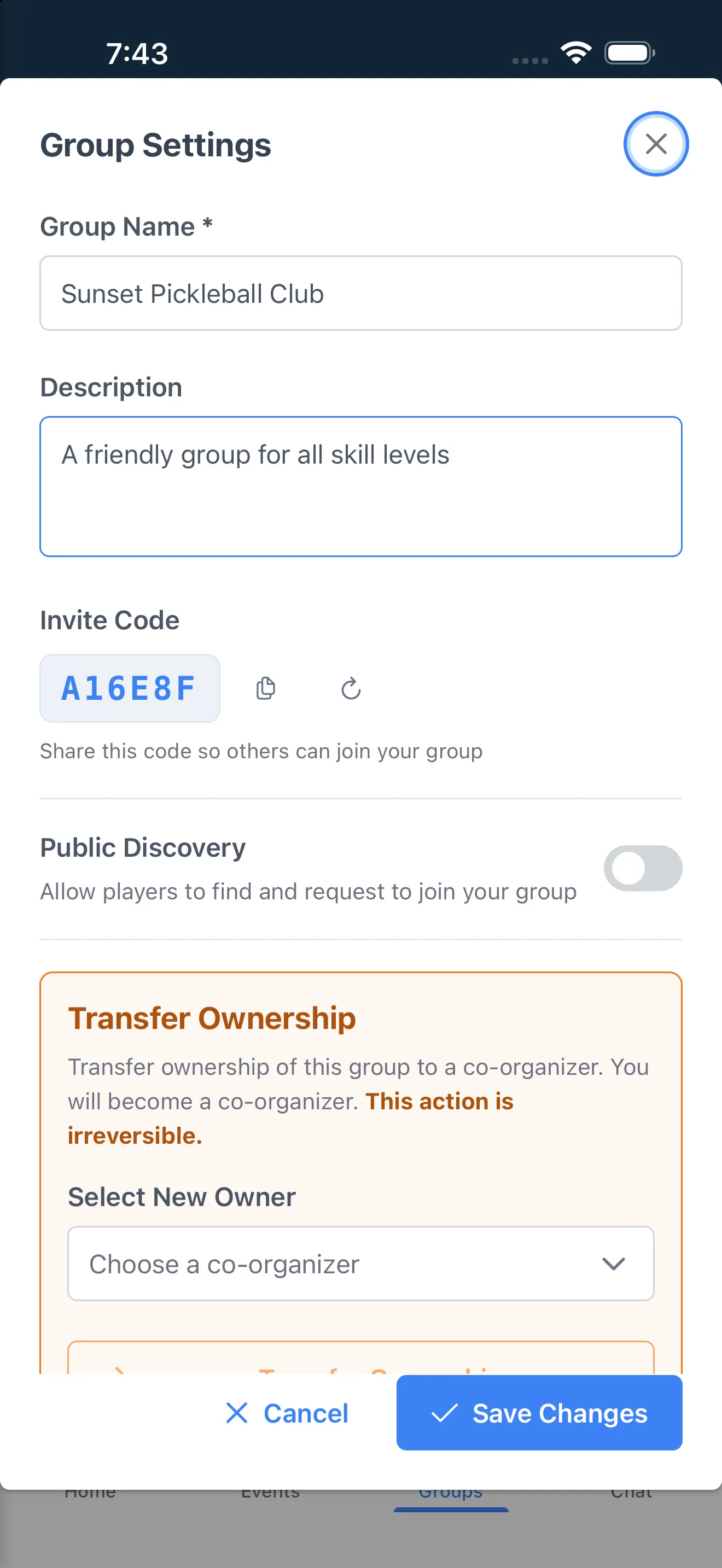
Basics (owner only)
Section titled “Basics (owner only)”- Group Name and Description.
- Invite Code — copy it, or tap Generate new code to replace it (only the owner can regenerate it; the old code stops working).
Public discovery (owner only)
Section titled “Public discovery (owner only)”Turn on Public Discovery to let nearby players find and request to join your group. With it on, set:
- Group Location — searched by city.
- Skill Level Range — the range of players you want to see this group.
- Gender Preference — Everyone, Men, or Women.
- Max Group Size — leave blank for no limit. The group is hidden from discovery once it’s full.
Transfer ownership (owner only)
Section titled “Transfer ownership (owner only)”Available once you have at least one co-organizer (Pro and Facility tiers). Pick a co-organizer and tap Transfer Ownership — you become a co-organizer yourself. This is irreversible.
Delete group
Section titled “Delete group”Only the group owner sees the Danger Zone with Delete Group. This cannot be undone.