
Block someone
Hide messages from another player, and manage your blocked list.
Blocking someone hides their chat messages from you across every group you share.
Block from chat
Section titled “Block from chat”Long-press (or right-click) the avatar next to a message from the person you want to block, then choose Block User. Their messages are hidden from you immediately.
Manage your blocked list
Section titled “Manage your blocked list”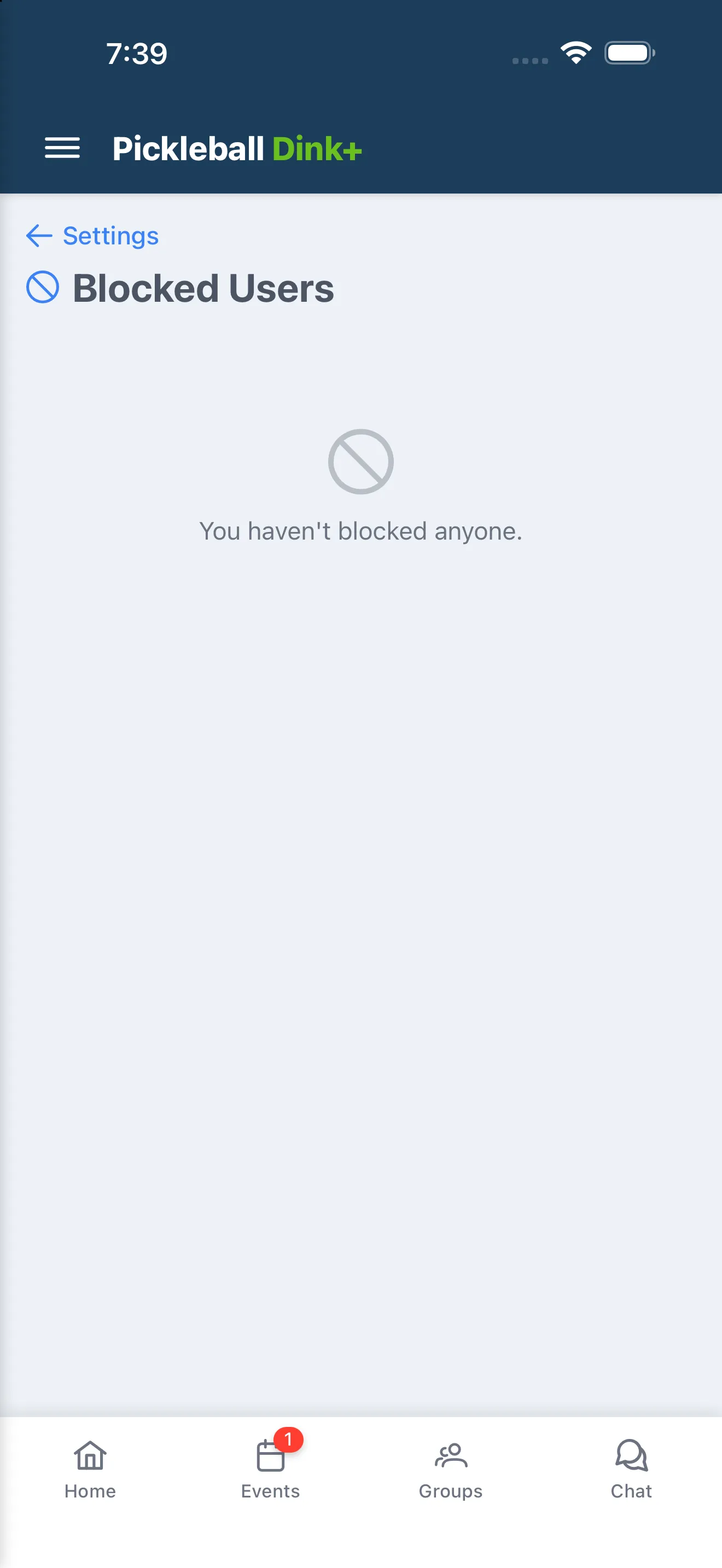
Open Settings → Blocked Users to see everyone you’ve blocked. Tap Unblock next to a name to see their messages again.