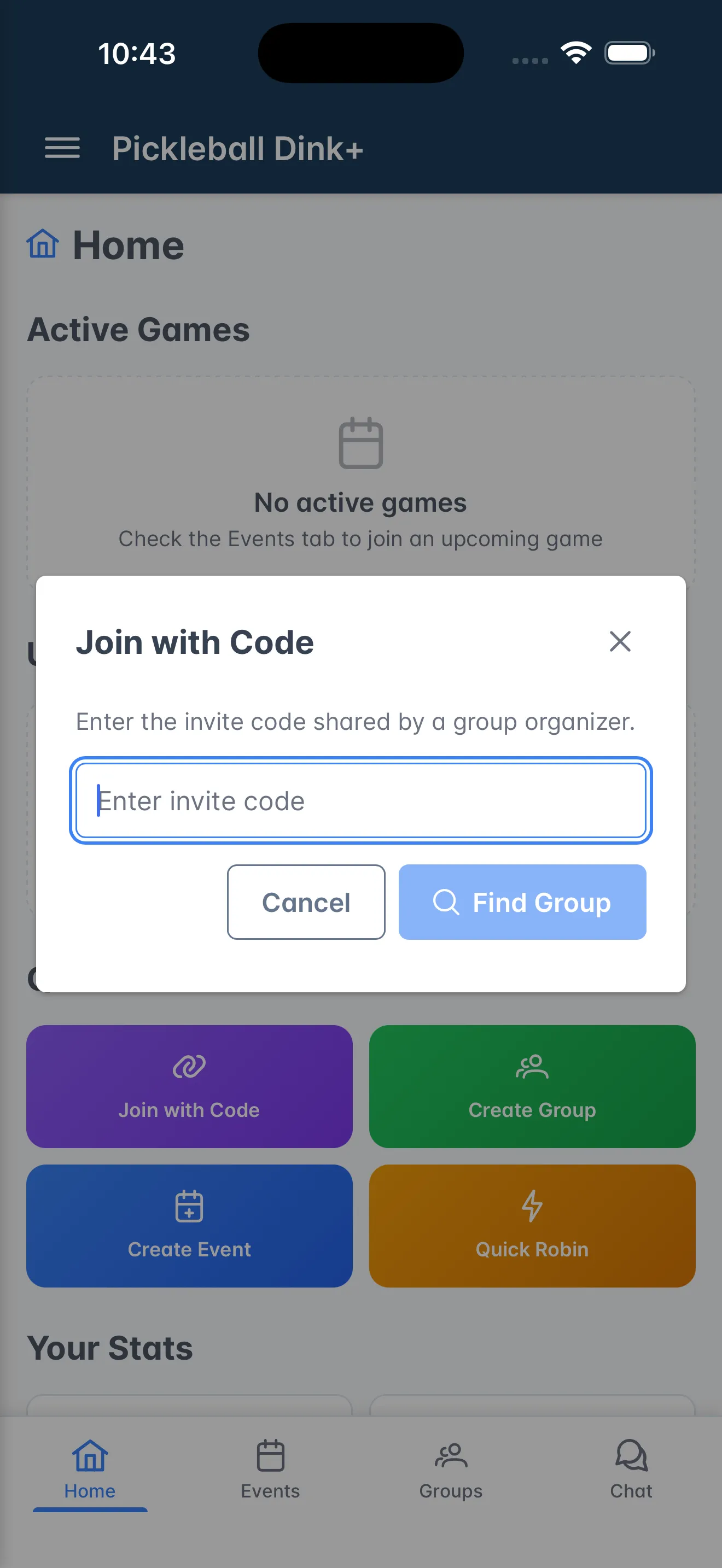
Install the app
Get Dink+ on your phone or use it in any browser.
Dink+ runs on iPhone, Android, and the web. Your account, groups, and results are the same everywhere, so you can switch devices any time.
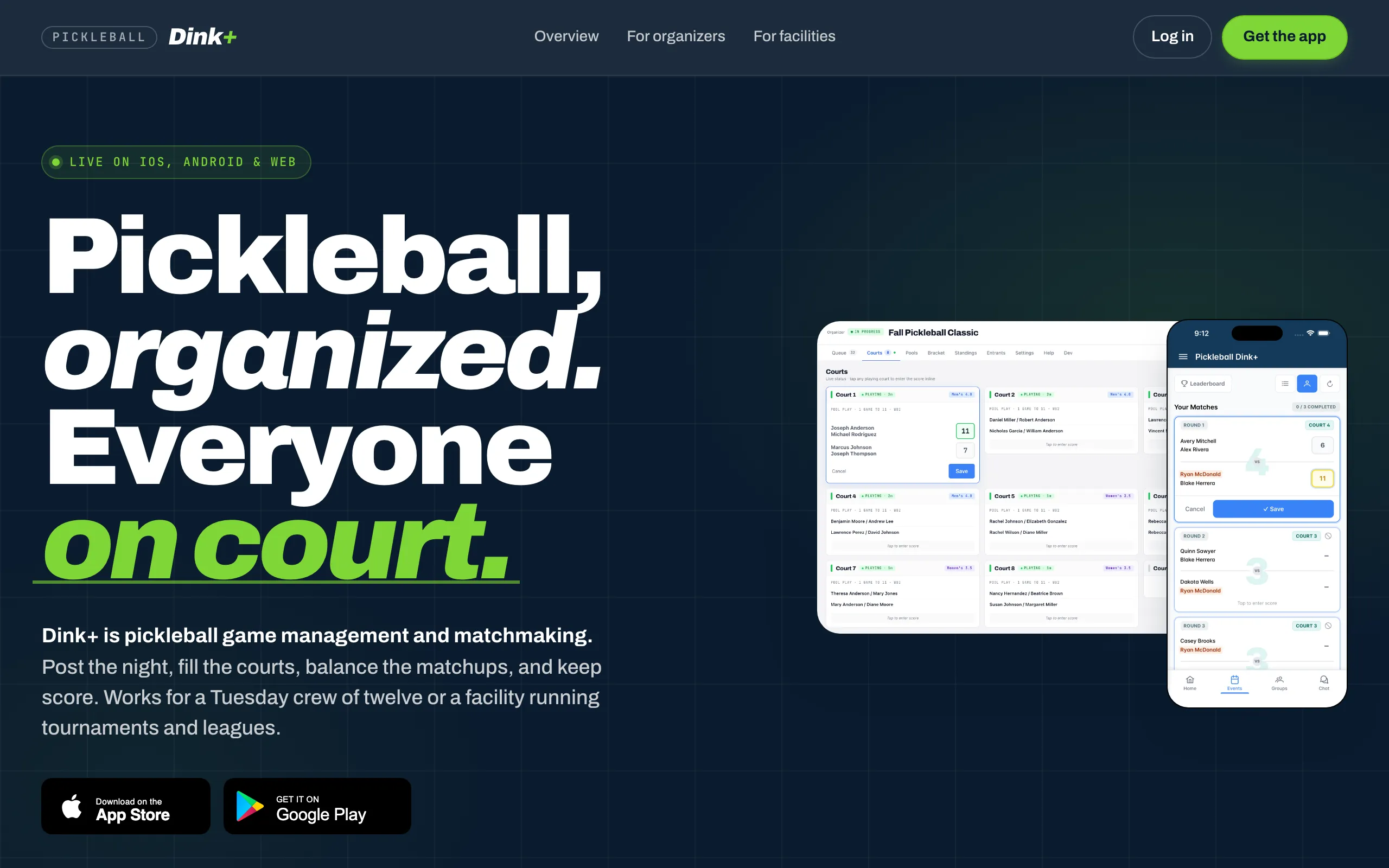 pbdink.app — sign in from any browser.
Install
Section titled “Install”- Open the App Store and search for Dink+.
- Tap Get, then open the app.
- Choose Sign in with Apple or Sign in with Google.
- Open Google Play and search for Dink+.
- Tap Install, then open the app.
- Choose Sign in with Google.
- Go to pbdink.app.
- Click Sign in and pick Google or Apple.
Your home screen
Section titled “Your home screen”Once you’re in, Home shows your active games, what’s up next, your stats, and groups near you.