
Join a Play Now event
Open the organizer's player link, claim your name, and enter your own scores from your phone.
When an organizer shares the player link for a Play Now event, you can follow your games and enter scores yourself instead of reporting them to the desk. The organizer still sees everything and can correct any score.
Before you start
Section titled “Before you start”- You need a Dink+ account. The link asks you to sign in if you aren’t already.
- The organizer has to share the player link or QR code with you. The TV Display link is different: it only shows the board.
If the organizer added you
Section titled “If the organizer added you”The organizer can link your name to your account. You get a notification saying you’ve been added, and the event appears on your Home and Events tabs: Not started until the organizer starts it, then Live, and under Completed afterwards. Tap it to open your games. You don’t need to claim your name.
Claim your name
Section titled “Claim your name”-
Open the link, or scan the QR code with your phone’s camera.
-
Sign in, or create an account.
-
Tap your name on the roster. When it asks “You’re your name?”, tap Yes, that’s me.
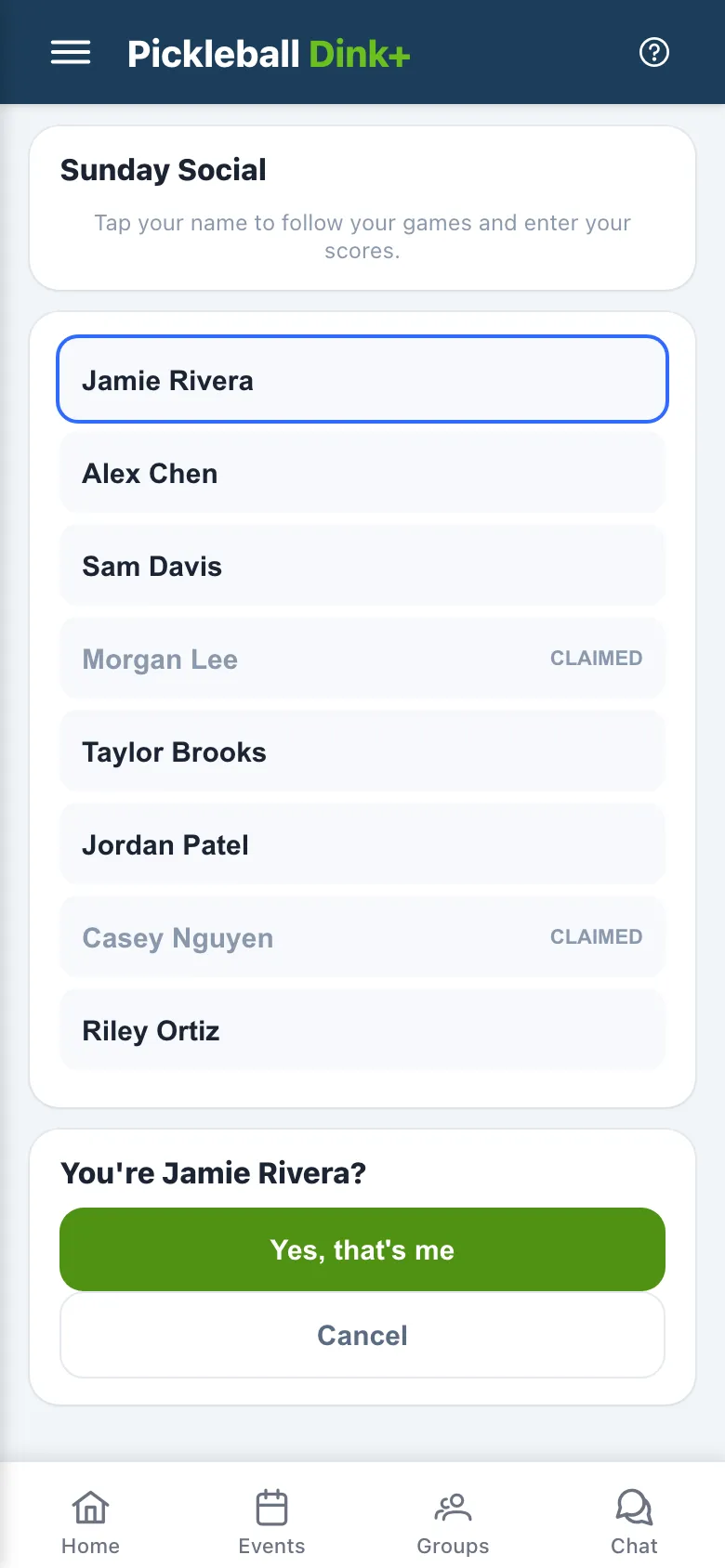
Your name on the event changes to the name on your Dink+ account. Each name can be claimed once. A name marked Claimed belongs to someone else. If you claimed the wrong name, tap Not me at the bottom of the page to release it and pick again.
The page has three tabs: Now for your current game, Matches for every round, and Standings.
Enter a score
Section titled “Enter a score”-
Stay on the Now tab. When your round starts, it shows your court, the round, and who’s on each side.
-
Tap a score box and type both scores.
-
Tap ✓ Save. It turns on once the score is a finished game, for example 11–8 in a game to 11, win by 2. Cancel clears what you typed.
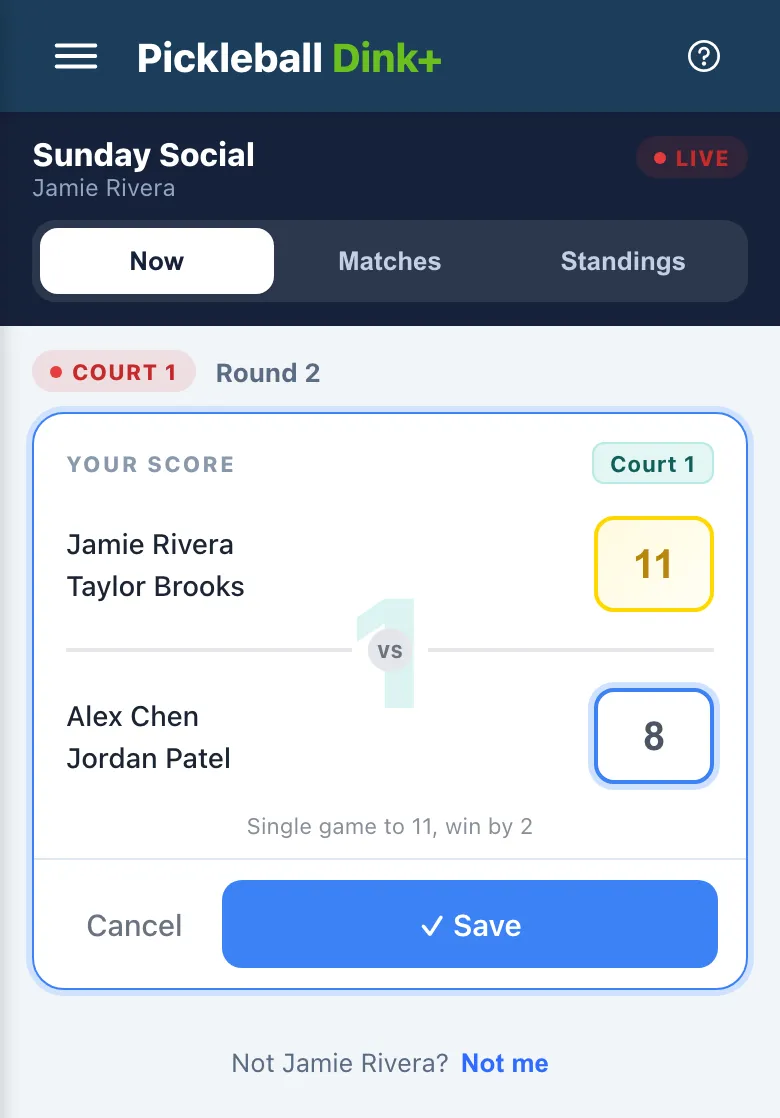
After you save, Now shows your result and No active game until the organizer starts the next round. If you have a bye that round, it says You’re sitting out round and the round number, and names your next game.
Correct a score
Section titled “Correct a score”-
Open the Matches tab. It lists your game in every round, with Sitting out for rounds you don’t play. Each scored game shows who entered it.
-
Tap the game with the wrong score.
-
Change the numbers and tap ✓ Save, or Cancel to leave it as it was.
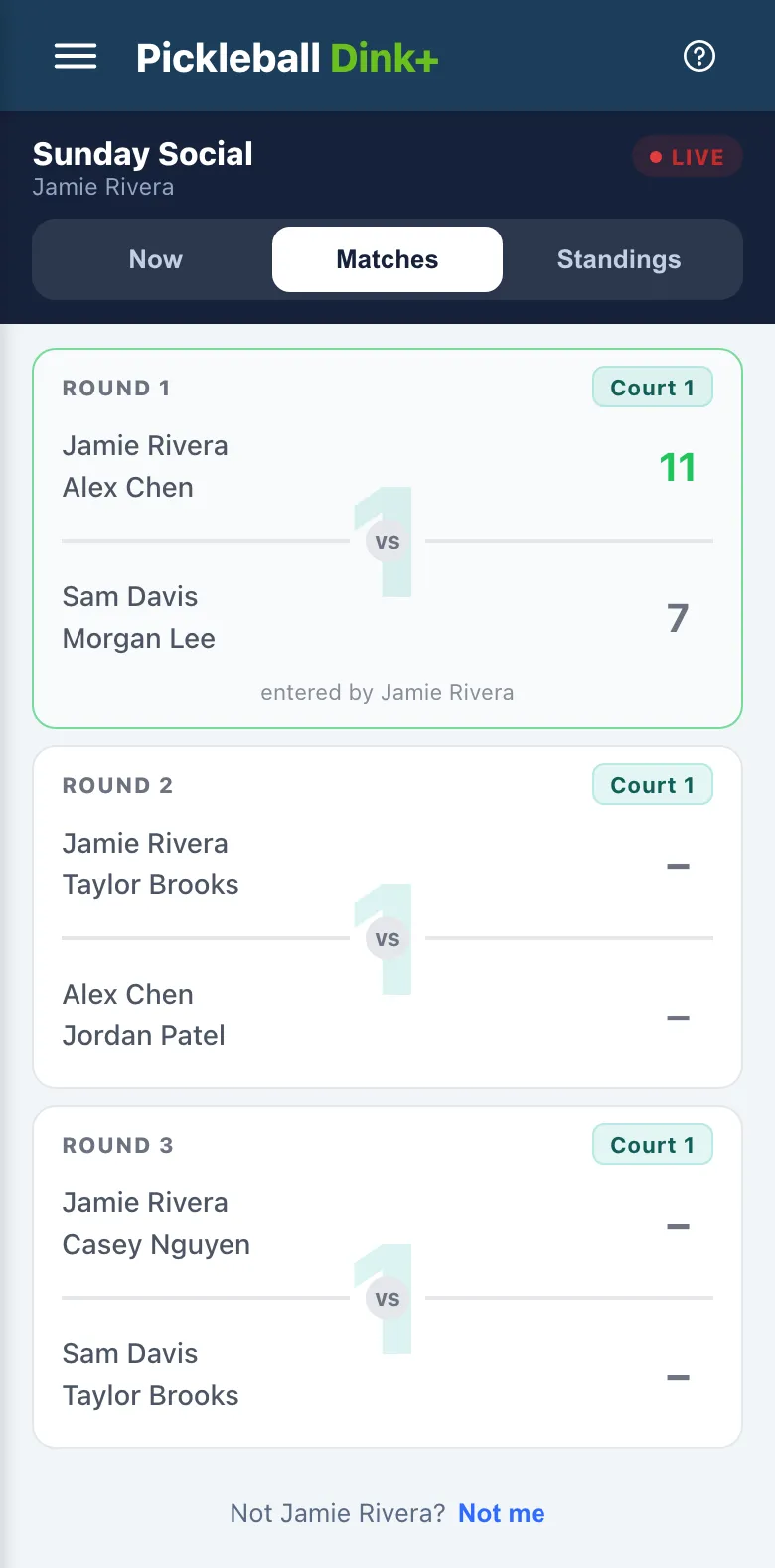
You can correct a score only while the event is live. A game without a score yet is entered on Now.
If you’re marked sitting out
Section titled “If you’re marked sitting out”Running late or taking a break? The organizer can mark you sitting out. Your Now tab says You’re sitting out until they put you back in, and the rounds still to play are rebuilt around you.
Follow the standings
Section titled “Follow the standings”The Standings tab is the same leaderboard the organizer sees, with your row outlined. See Read the leaderboard for how players are ranked.
Some formats add to the Now tab:
- Up and Down the River: the organizer starts each round once every court is done, so between rounds Now says it’s waiting for the next round.
- The Cleland: after the round robin, Now shows your bracket match.
- Club Match: your team records the coin toss and posts its lineup.