
Chat with your group
Message your group, react, share photos, and manage mute and moderation.
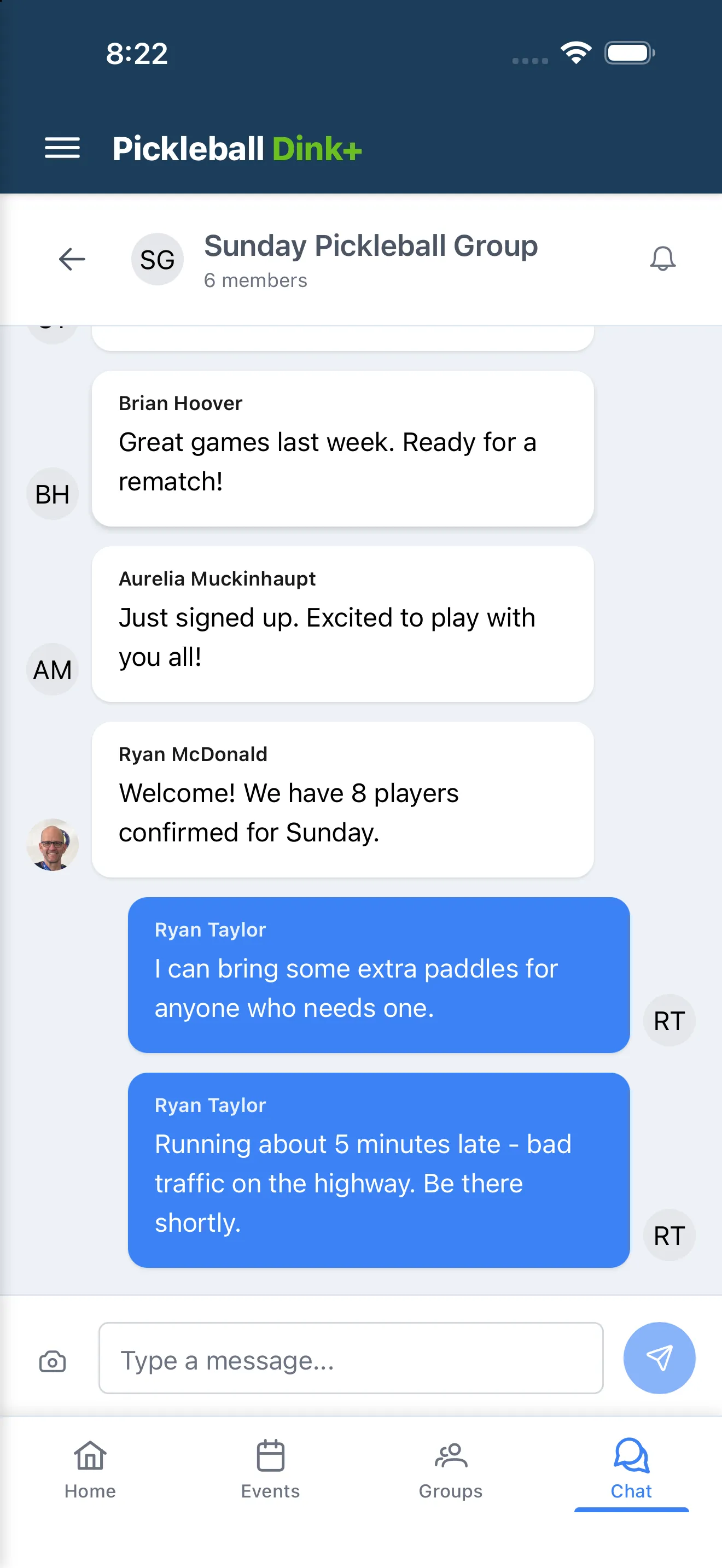
Every group you’re in has its own chat, reachable from the Chat tab.
Sending messages
Section titled “Sending messages”- Open Chat and pick a group’s conversation.
- Type your message and tap send, or tap the camera icon to attach a photo.
- Long-press (or right-click) your own message’s bubble and tap Edit Message.
Reactions
Section titled “Reactions”- Long-press (or right-click) someone else’s message bubble to react with an emoji.
- Tap a message to show or hide its timestamp.
Muting a conversation
Section titled “Muting a conversation”Tap the bell icon at the top of a chat to mute or unmute notifications for that group — you’ll still see new messages, you just won’t be notified.
Reporting and blocking
Section titled “Reporting and blocking”Long-press (or right-click) the sender’s avatar — not the message bubble — on someone else’s message to open Report Message or Block User.
- Report Message flags a message for review — pick a reason and add details if you want.
- Block User hides that person’s messages from you immediately. See Block someone to manage who you’ve blocked.