
Choose your notifications
Turn push notifications on or off overall, or fine-tune which events you hear about.
Dink+ can notify you about chat messages, event changes, and results. Control all of it from Settings → Notifications.
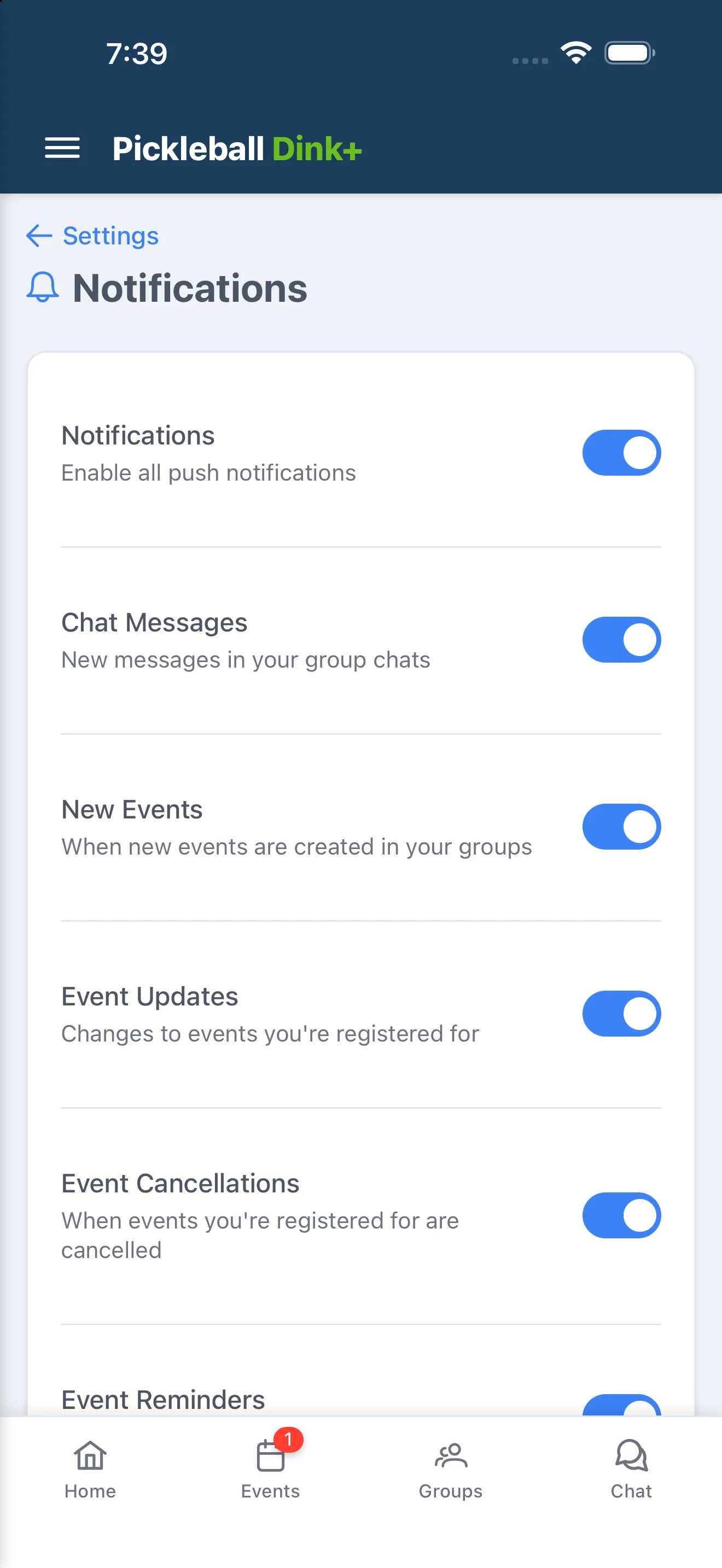
Notification settings
Section titled “Notification settings”- Notifications — the master switch. Turn this off and none of the notifications below are sent.
- Chat Messages — new messages in your group chats.
- New Events — when a new event is created in one of your groups.
- Event Updates — changes to an event you’re registered for.
- Event Cancellations — when an event you’re registered for is cancelled.
- Event Reminders — reminders before an event starts.
- Waitlist Promotion — when you’re promoted off the waitlist into an event.
- Game Results — when scores are submitted for your matches.
Each toggle below Notifications is disabled while the master switch is off, so you don’t need to turn them off individually.