
Find and join a group
Get into a group with a code, by browsing nearby groups, or by accepting an invite.
Groups are where games get organized. There are three ways in.
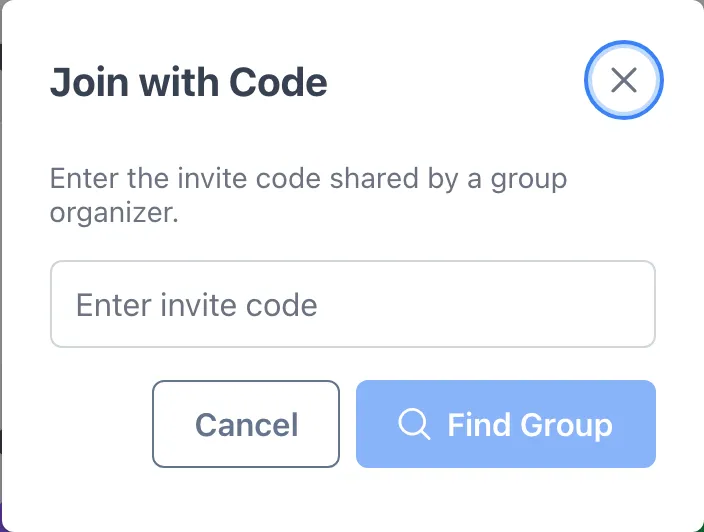
Join with a code
Section titled “Join with a code”- Tap Join with Code on your Home screen (or your Groups page).
- Enter the code your organizer shared.
- You’re in instantly, and their upcoming events show up on your Events tab right away.
Find a local group
Section titled “Find a local group”- Open Groups and browse groups near you that have discovery turned on.
- Tap a group to see who runs it and how often they play.
- Tap Request to Join. The organizer approves you.
Accept an invite
Section titled “Accept an invite”If an organizer invites you directly, you’ll get a notification and the invite shows up under Pending Invitations on your Groups page.
Tap Accept to join, then complete your profile so organizers can match you fairly.