
Facility settings, branding and staff
Set your facility's branding, add staff, and transfer ownership.
Access from Settings > Facility (requires a facility license).
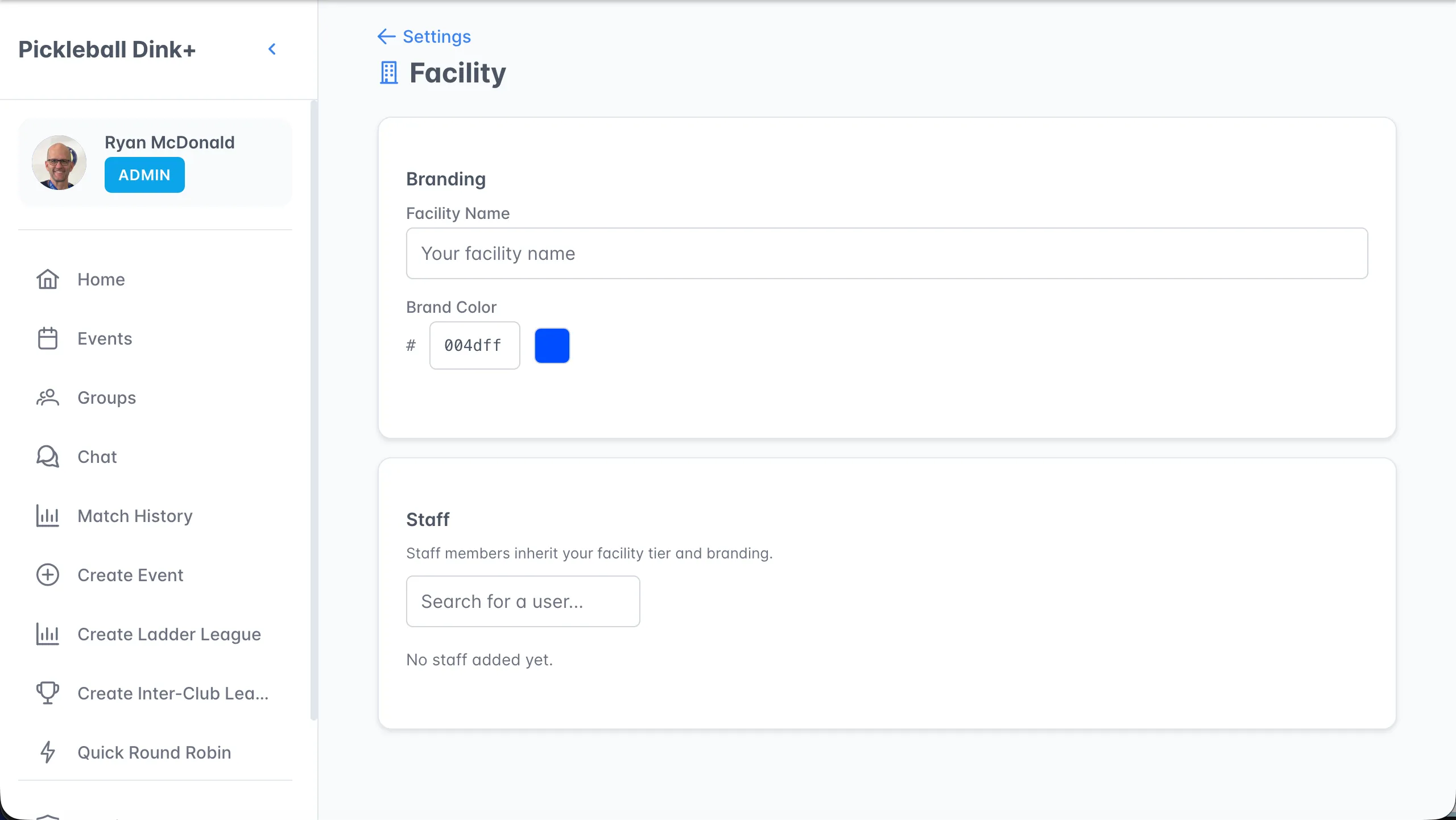
Branding
Section titled “Branding”- Facility Name — displayed on group cards as a branded banner.
- Brand Color — hex color code with a color picker.
Add co-organizers who inherit your facility tier and branding:
- Search for a user by name.
- They gain facility-level permissions (create leagues, unlimited group members, branded cards).
- Remove staff with the trash icon.
Ownership transfer
Section titled “Ownership transfer”Transfer facility ownership to a staff member (they must have their own facility subscription):
- Select a staff member from the dropdown.
- Click Transfer.
- You become staff of the new owner.