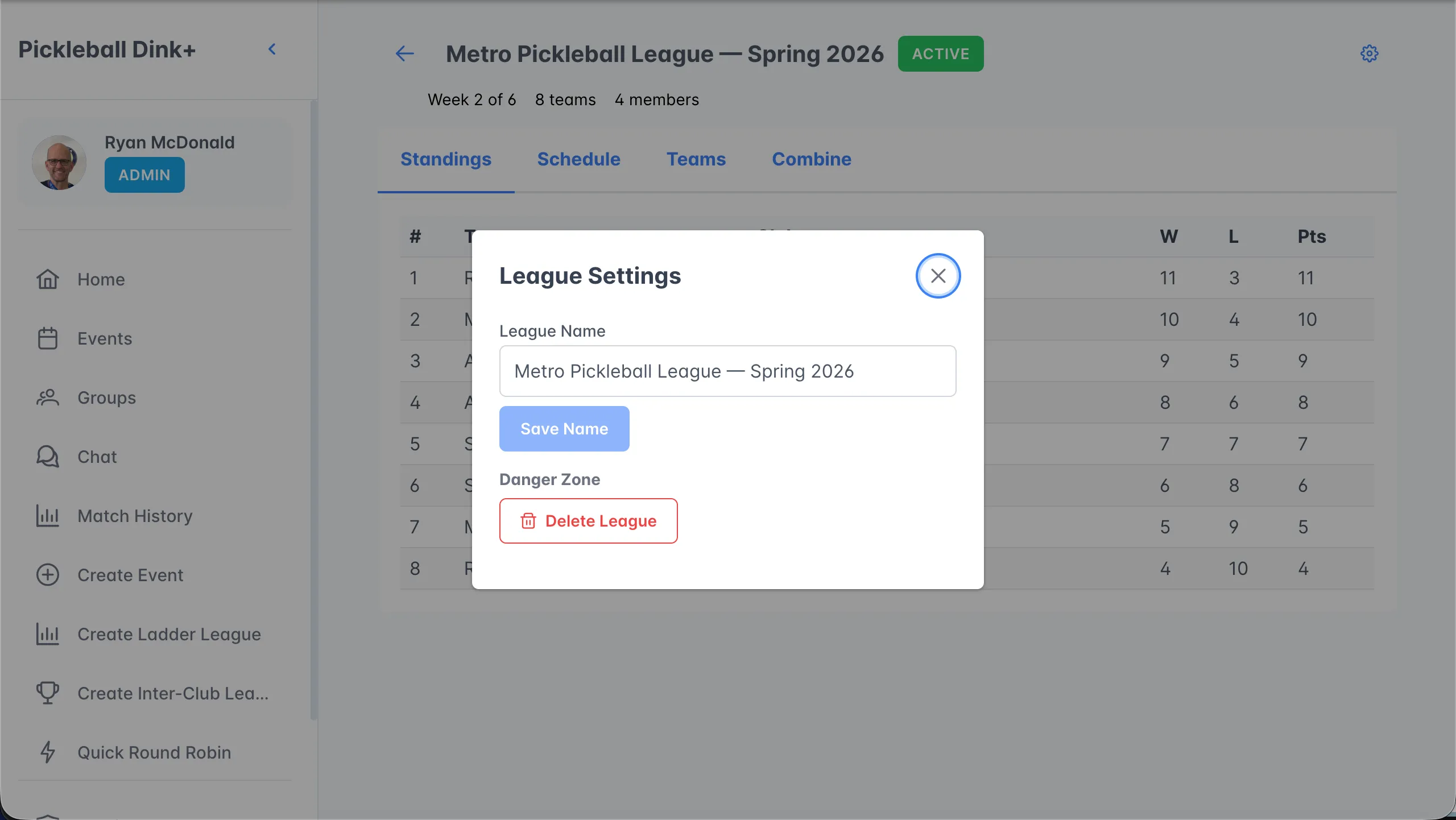
The league dashboard
Standings, schedule, teams, and combine — everything about your league in one place.
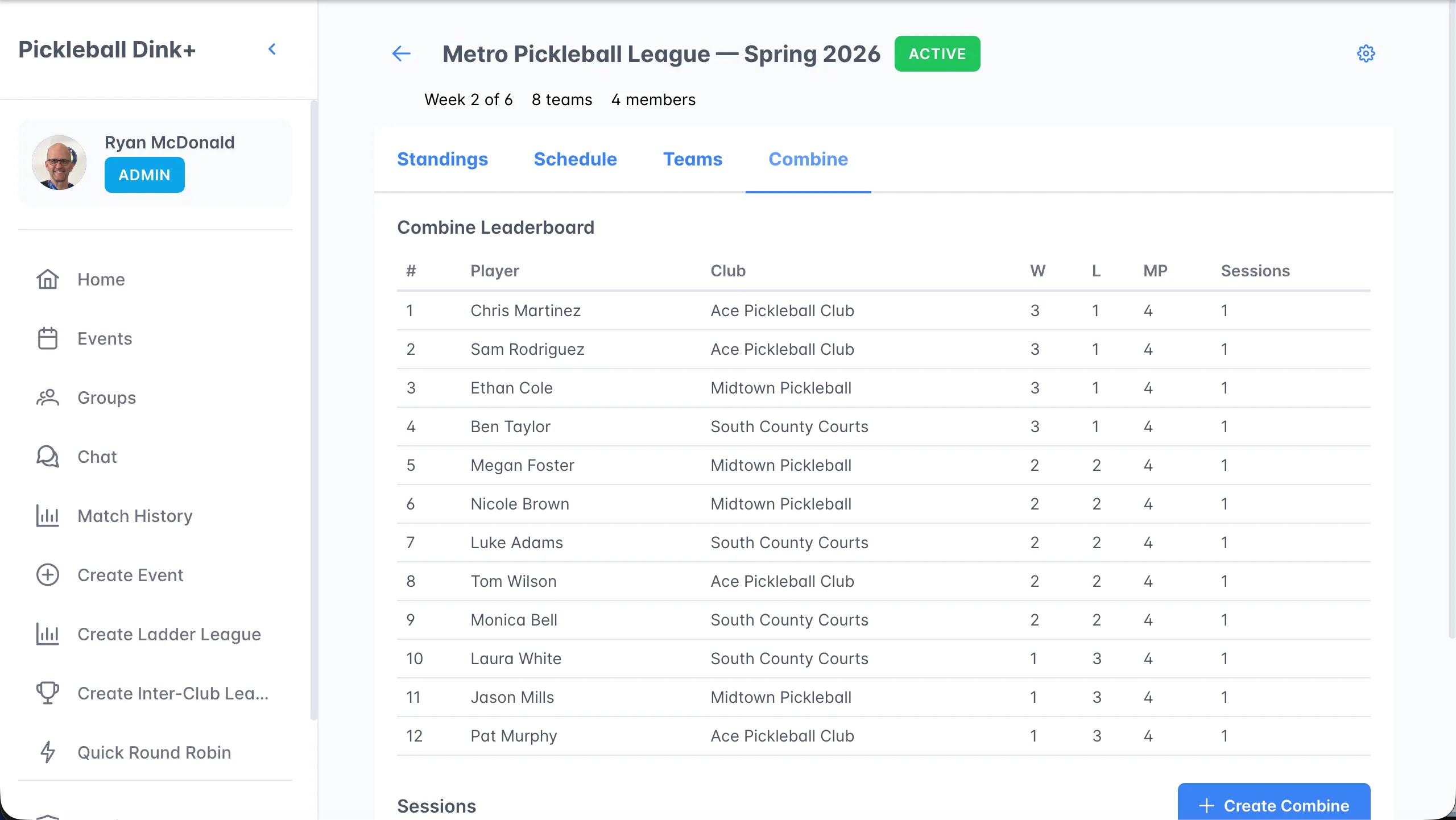
The header shows the league’s status (DRAFT, ACTIVE, or COMPLETED), the current week, and team and member counts. Organizers also see a gear icon for league settings.
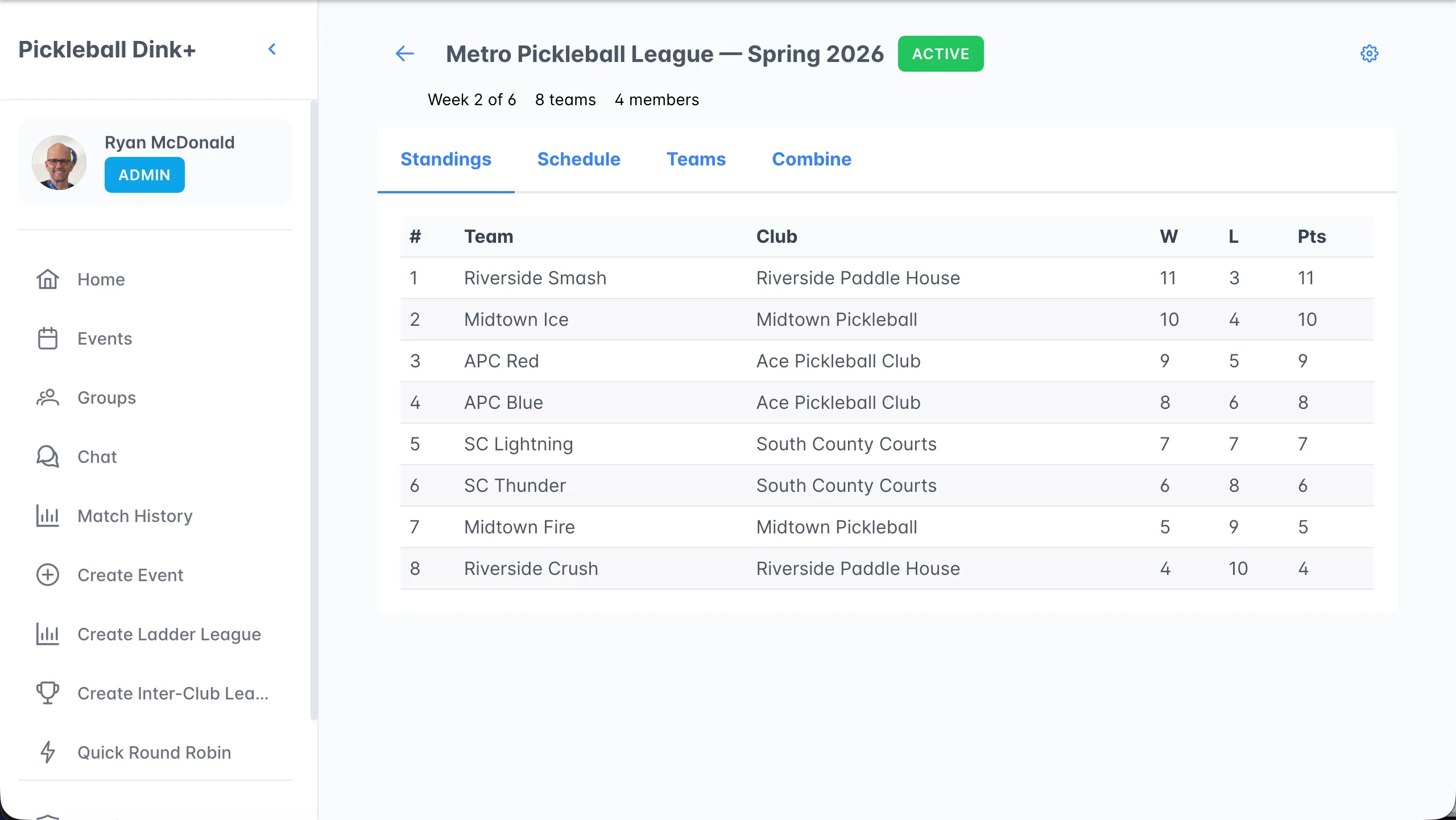
Rankings by games won. They update when a week is finalized, and a provisional banner shows while the current week has scores but isn’t final yet.
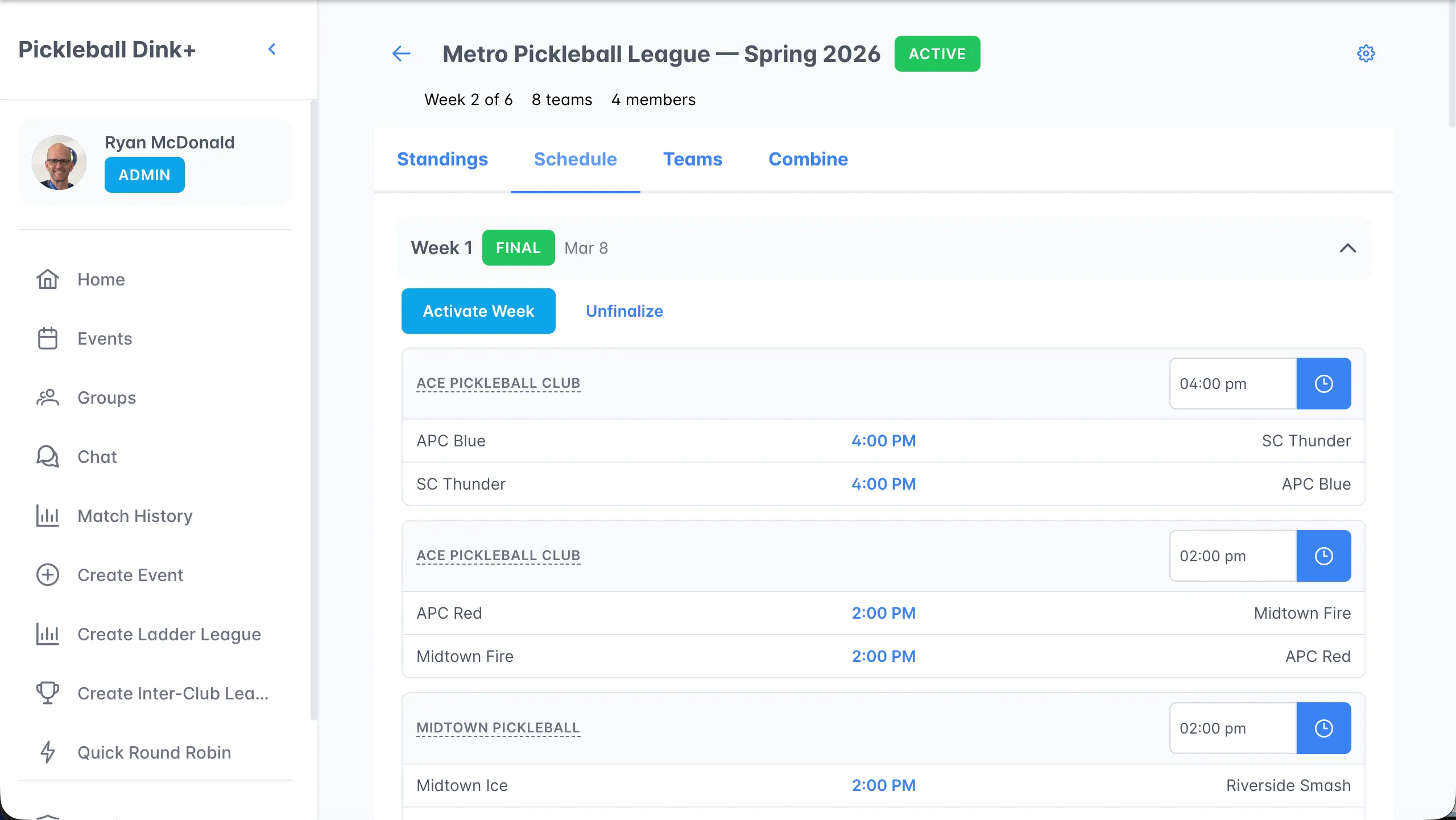
Fixtures grouped by week. Organizers can edit venues and game times inline, and use Activate Week and Finalize Week here.
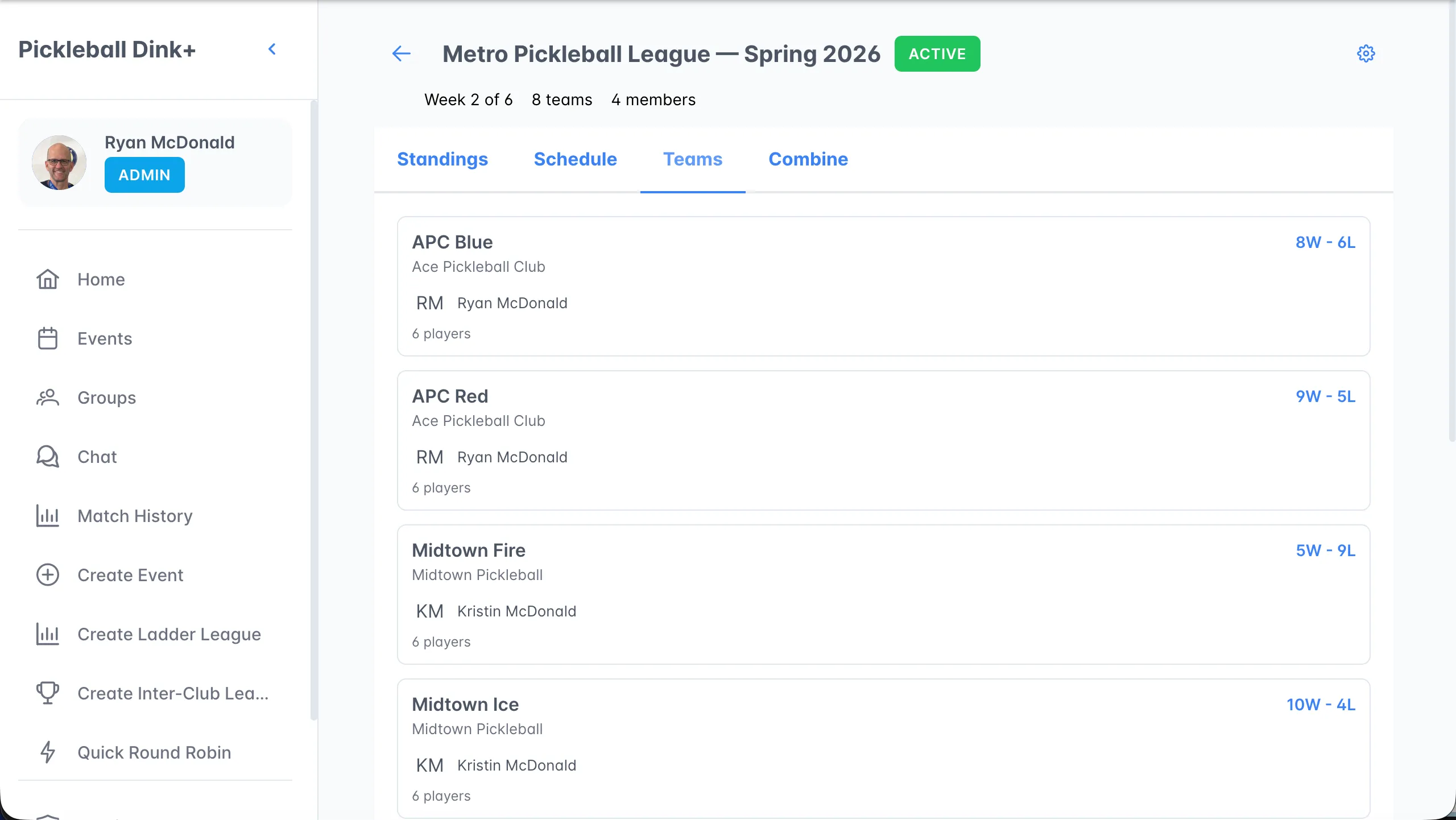
A card for each team with its record, facility, rep, and roster size. Click a team to edit its roster or submit lineups.
Weekly round-robin sessions for rostered players who aren’t in that week’s lineups, with a season-long leaderboard.
Week status
Section titled “Week status”| Badge | Meaning |
|---|---|
| UPCOMING | The week hasn’t been activated yet. |
| IN PROGRESS | Matches are created and scores are being entered. |
| FINAL | Standings are locked for the week. |
League settings
Section titled “League settings”Click the gear icon to rename the league, activate a draft league, return to the setup wizard, or delete the league.