
Create a ladder league
Set up a season of ladder play and publish it for players to join.
Create a ladder league
Section titled “Create a ladder league”-
From Ladder Leagues in the nav, tap New Ladder League.
-
On Basics, enter a Name and Start date, and choose Total weeks (1–52). Description, Location, a Recurring day/Recurring time, and Courts available are optional.
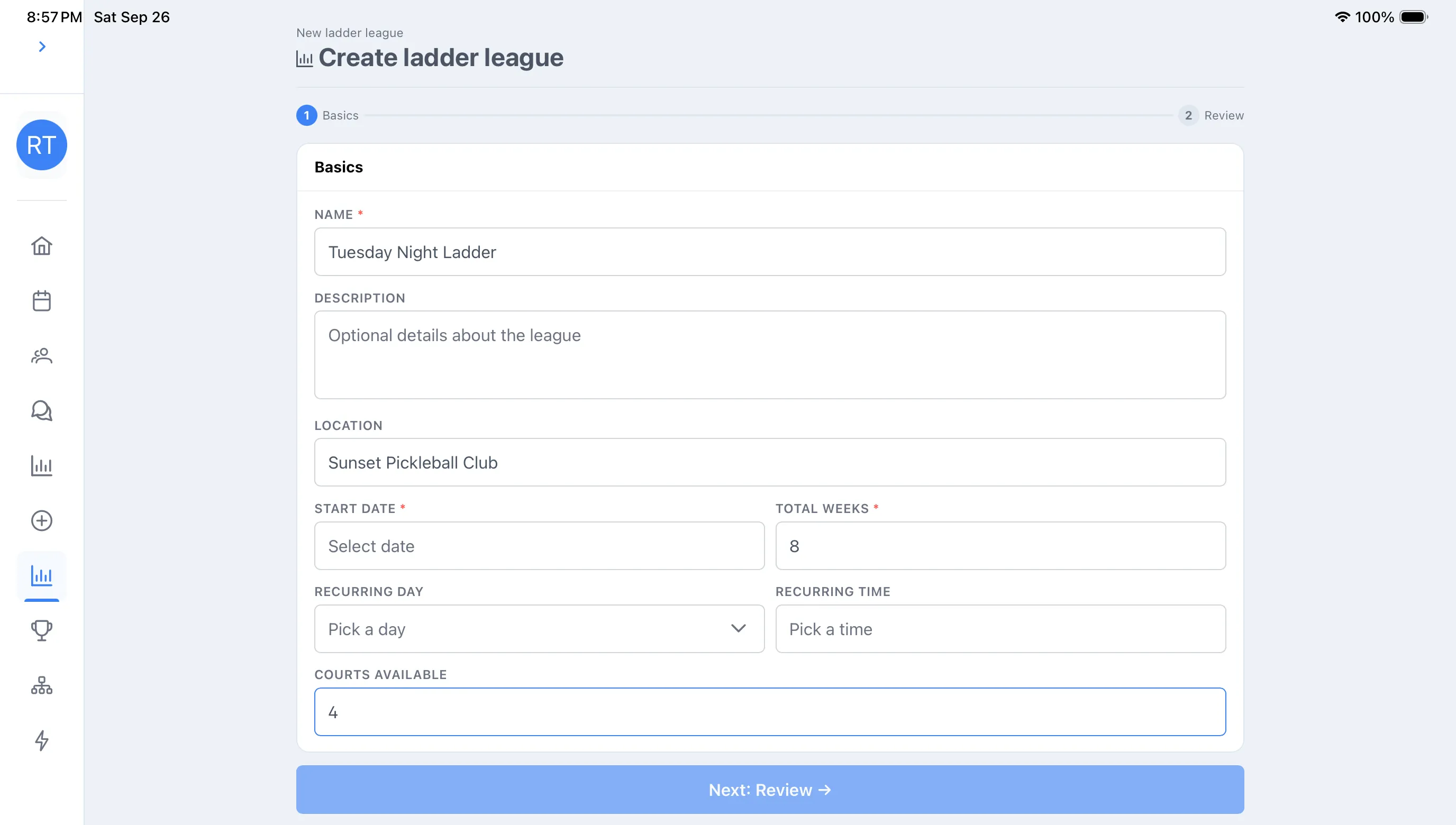
-
On Review, check the summary, then either Publish → or Save as draft.
Add players from the league’s Roster page after creating it — you can search Dink+ members to link their accounts or add guests.