
Run the weekly workflow
Lineups, activation, scores, and standings — the four things that happen every week.
Every week follows the same four steps. Facility reps handle lineups, and the league organizer handles everything else.
-
Reps submit lineups
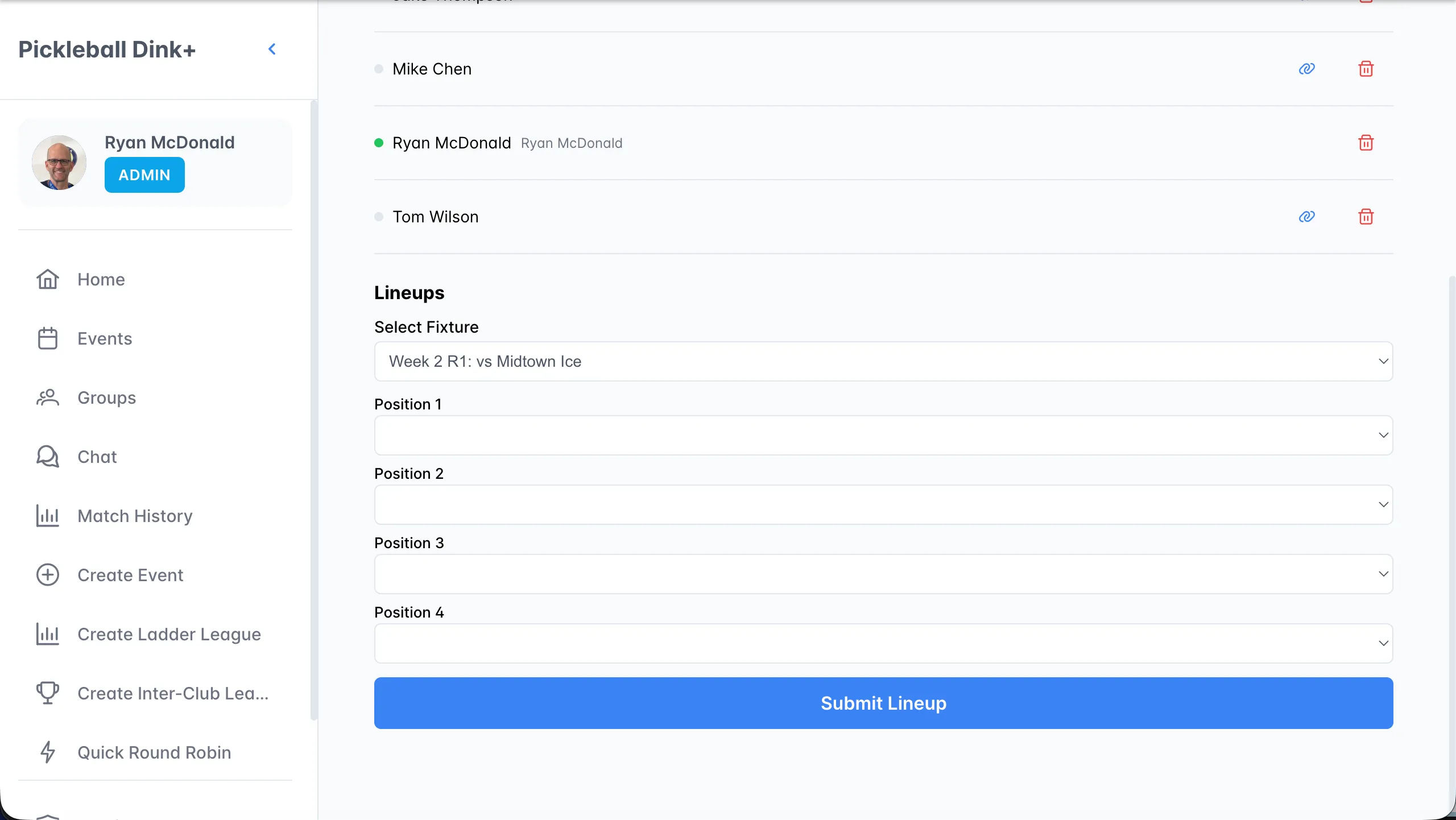
On the Teams tab, a rep opens their team, picks a fixture, chooses 4 players for positions 1–4, and clicks Submit Lineup. They repeat this for Round 1 and Round 2.
-
Organizer activates the week
On the Schedule tab, click Activate Week. Dink+ creates a team match for every fixture that has both lineups and a game time.
-
Enter scores
Open a fixture, expand each round (A, B, C, and the Dream Team), and tap each game to enter scores. The match score updates on the schedule automatically.
-
Organizer finalizes the week
Click Finalize Week. Standings are recalculated and the week shows FINAL.
Match format
Section titled “Match format”Each team match is 7 games across 2 courts:
| Round | Court 1 | Court 2 |
|---|---|---|
| A | P1 + P2 | P3 + P4 |
| B | P1 + P3 | P2 + P4 |
| C | P1 + P4 | P2 + P3 |
| Dream Team | All 4 rotate | — |
Rounds A–C are played to 11, and the Dream Team to 15, win by 1.
Made a mistake?
Section titled “Made a mistake?”Click Unfinalize on the week, correct the scores, and finalize again. Standings are rebuilt from scratch every time.