
Set up and run a Quick Robin
Run drop-in open play with an on-the-spot round robin and a court-side TV display.
Quick Robin is built for drop-in open play at a facility: no group or reservation needed, just add whoever’s on the court and start.
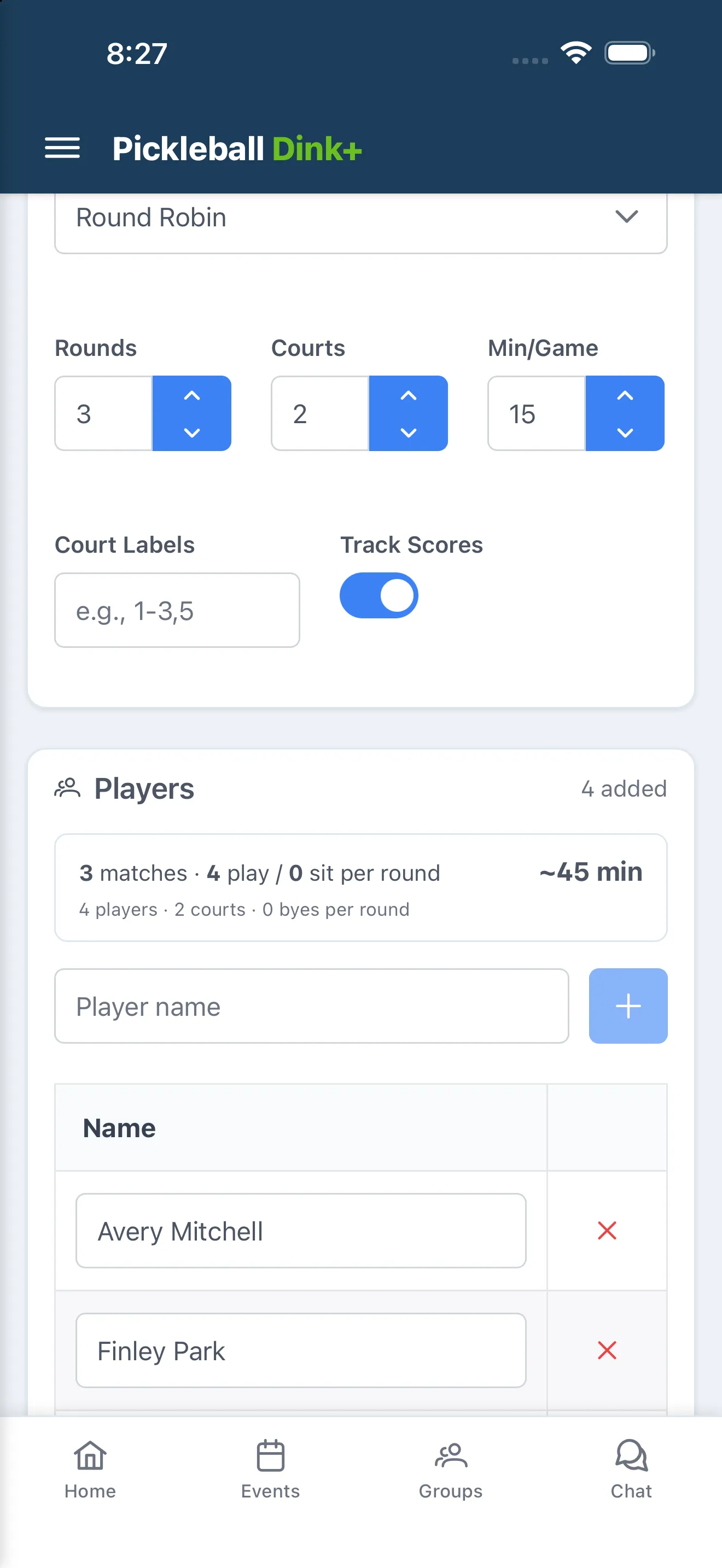
- Tap New Quick Robin. No group is needed — this creates a one-off session.
- Optionally type a name in the “Session name (optional)” field.
- Pick a Matchmaking Algorithm: Round Robin, Mixed Gender Round Robin, Fixed Team Round Robin, 3v3 Team Event, or Club Match. This choice changes which of the fields below appear — see How formats work for what each one does.
- Set Scoring (3v3 Team Event and Club Match only), Rounds (hidden for 3v3 Team Event and Club Match, which run until every team has played), Courts, Min/Game, Court Labels, and Track Scores (hidden for Club Match, which always scores) to match how you’re playing.
- Add players (or, for Fixed Team Round Robin, 3v3 Team Event, and Club Match, set up Teams/Teams of 3/club rosters instead).
- Tap Start Event.
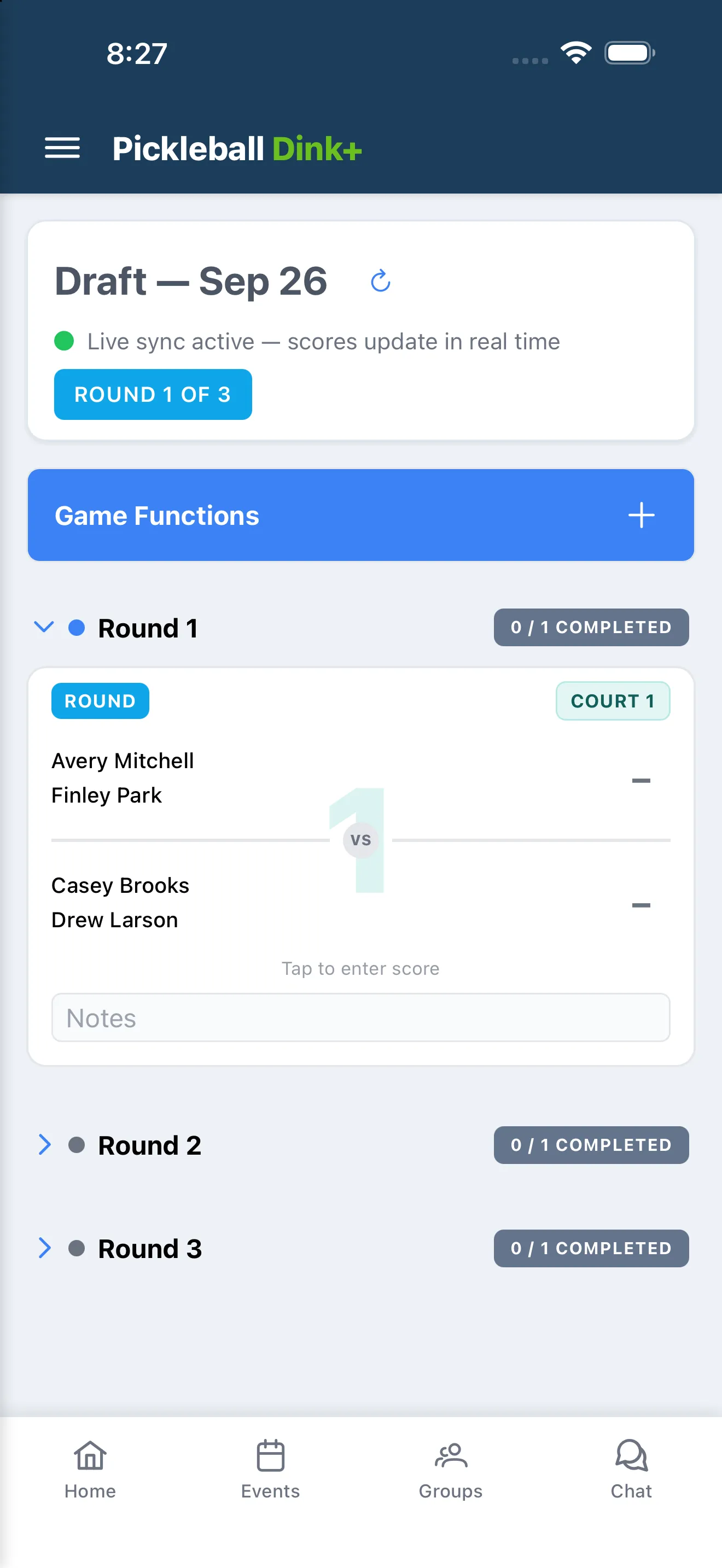
During play, tap a match card to enter that game’s score, then Save. Only you and anyone added as a Co-Scorer can enter or edit scores — open Game Functions › Co-Scorers and search for their name to add them (they need their own Dink+ account). Anyone else can follow along on the TV Display link, which needs no sign-in.
When every round is done, tap End Event to see final standings, or Abandon Event to discard the session. Start New Event from the results screen begins another Quick Robin from scratch.